How to Build a NINA Sequence That Survives the Night Without You
A sequence that runs unattended needs more than a target list. Here is how to handle safety monitors, auto-recovery, and the 2026 NINA features that keep your session alive from dusk to dawn.
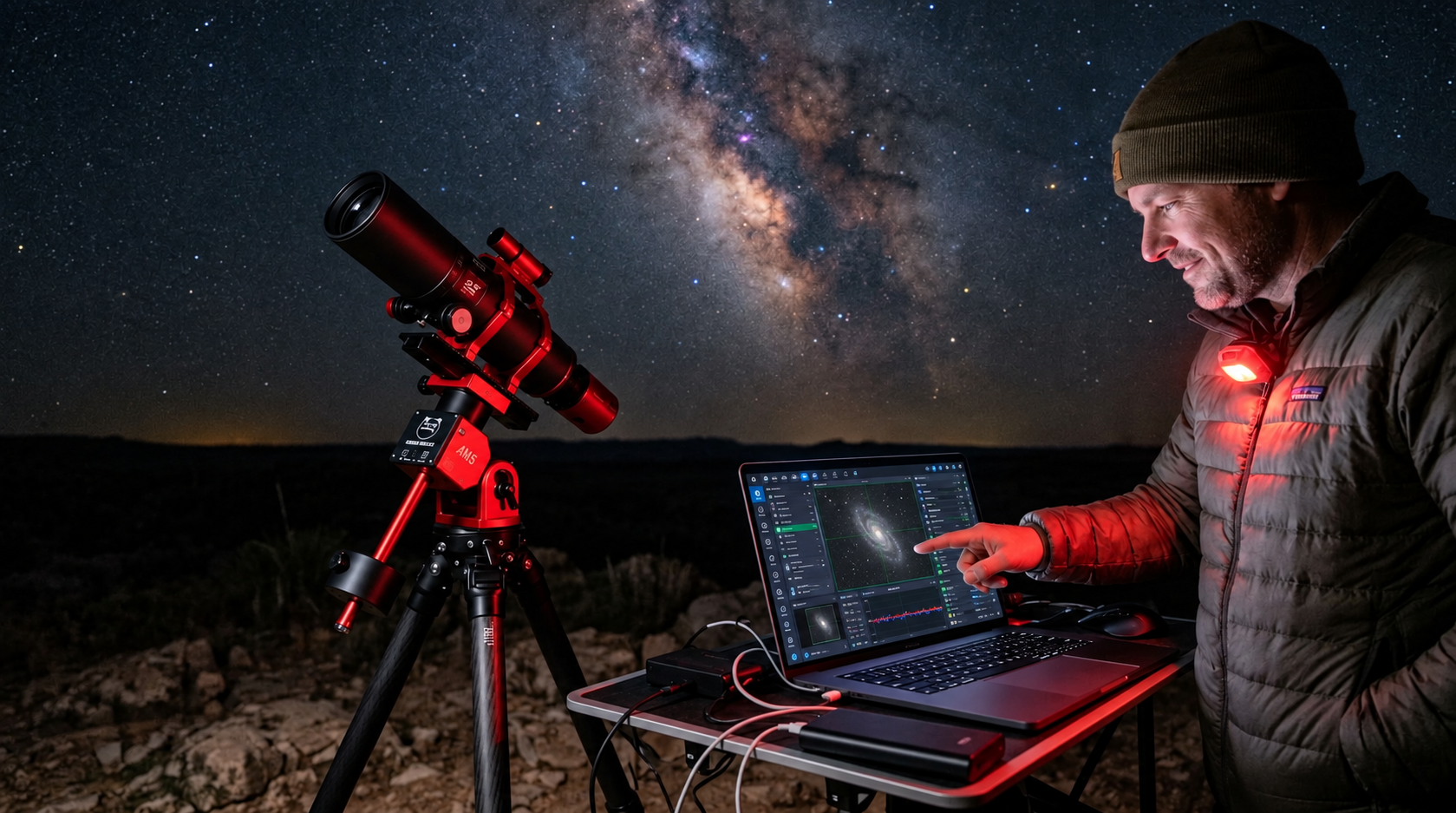
The first unattended sequence often fails at 3 a.m., when a single fault leaves the rig idle until dawn. The problem is not that NINA cannot handle it. The problem is that the sequence assumes everything will work, and remote astrophotography does not work that way.
A safety monitor disconnects. Clouds roll in. A USB cable glitches. The guide star drops out for thirty seconds. Any of these can stall a simple sequence that just runs through exposures until dawn. The difference between a sequence that survives the night and one that wastes it is how you handle the moments when things stop going according to plan.
The safety monitor and why it changes everything in NINA 2026
NINA's ASCOM SafetyMonitor device reports a Boolean safe or unsafe state. When it is connected, the core sequencer checks it constantly. The 2026 release introduced a critical change: if the safety monitor is disconnected, NINA now treats the state as unsafe rather than ignoring it. The old behavior let a sequence continue imaging silently when the weather feed dropped. The new behavior stops it.
This change broke sequences that relied on the safety monitor being optional. If your sequence uses a safety monitor and the connection drops at any point, the sequence halts. The workaround is not to remove the monitor, it is to build the sequence around the assumption that connections can fail.
Two trigger types from the Sequencer Powerups plugin (widely used with NINA 2026) handle this directly:
When Becomes Unsafe fires within seconds of the safety state changing, not between instructions. You attach any NINA instruction to it: park the mount, warm the camera, close the roof, send a notification.
When Becomes Safe reverses the actions when conditions recover. Unpark, reslew to target, refocus, restart guiding, resume imaging.
Together they form the core of a sequence that can survive a cloud bank at 2 a.m. and resume imaging at 3 a.m. without anyone pressing a button.
The Loop While Safe pattern
The simplest resilient sequence structure uses a loop that checks the safety monitor before every exposure block. This pattern uses a built-in NINA loop condition and does not require the plugin triggers above.
A Loop While Safe condition repeats an instruction set until the safety monitor reads unsafe. When the roof closes or clouds trigger the sensor, the loop exits immediately and the next instruction runs. That next instruction should be a shutdown block: park mount, warm camera, close roof.
To resume automatically, place a Wait for Safety Monitor to be Safe instruction after the shutdown block. The sequence pauses there until the monitor reports safe again. Then a When Becomes Safe block reslews to the target, recenters with a plate solve, refocuses, restarts guiding, and begins a new Loop While Safe block.
This pattern requires that your mount supports unparking and slewing after a shutdown, and that your roof or dome can reopen automatically. Not every observatory setup allows this. If yours does, the sequence can run all night through multiple cloud cycles.
Error handling that actually stops trying
The default behavior in the Advanced Sequencer when an instruction fails is Continue. NINA retries the instruction indefinitely. That means if a plate solve fails because clouds moved in, NINA will take exposure after exposure trying to solve until morning.
Every instruction in the sequencer has a three-dot menu with two critical settings:
Maximum attempts. Set this to 3 or 5. After that many failures, NINA stops retrying that instruction.
On error behavior. Change this from Continue to Skip to end of sequence instructions. This jumps to the shutdown block you placed in the Sequence End Area.
Place all your shutdown and safety instructions in the Sequence End Area at the bottom of the sequencer. That area runs regardless of how the sequence ends, whether by completion, error, or manual abort. Parking the mount, warming the camera, and closing the roof belong there and nowhere else.
Surviving a power loss: scheduled reboot and auto-launch
Power outages at a remote site are not rare. When the PC loses power and comes back, NINA does not restart on its own. The fix has two parts.
First, configure the BIOS to power on after AC loss. Most mini PCs have this setting. Second, create a scheduled task in Windows that launches NINA at boot with command-line flags. The relevant flags from the NINA changelog let you pass a sequence file and start it automatically.
The community standard is to schedule a daily reboot in Windows Task Scheduler. A reboot every morning clears memory leaks, USB conflicts, and any hung drivers before the next night. NINA's BAT file or a shortcut in the Startup folder launches the application and the sequence after the reboot.
This does not handle a power failure during the night, but it ensures that by dusk the system is ready to go. If you need true mid-session power recovery, a UPS that signals the PC to shut down cleanly and a BIOS that reboots after power restore is the only path.
What remote hosting changes about this setup
Every piece of advice above assumes you control the PC, the network, and the observatory interfaces. That is the difference between running NINA in your backyard and renting time on a hosted rig.
On a hosted system, the safety monitor, roof control, and power management are already configured and tested. The weather feed is established. The mount parks and unparks reliably. The sequence end area is built into the template you load on your first session.
What you bring is the target list, the exposure plan, and the filter choices. The sequence structure that handles a cloud bank at 3 a.m. is already in place.