Astrophotography Processing Software: Turning Raw Data into Stunning Images
Capturing the photons is only half the job. A tour of the software that turns raw frames into a finished image, and where each tool fits in your workflow.

Capturing photons is only half of astrophotography. The real magic often happens during processing, where faint details, subtle colors, and intricate structures are revealed from the raw data collected during an imaging session.
Today, astrophotographers have access to a wide range of software tools, each designed for different stages of the workflow.
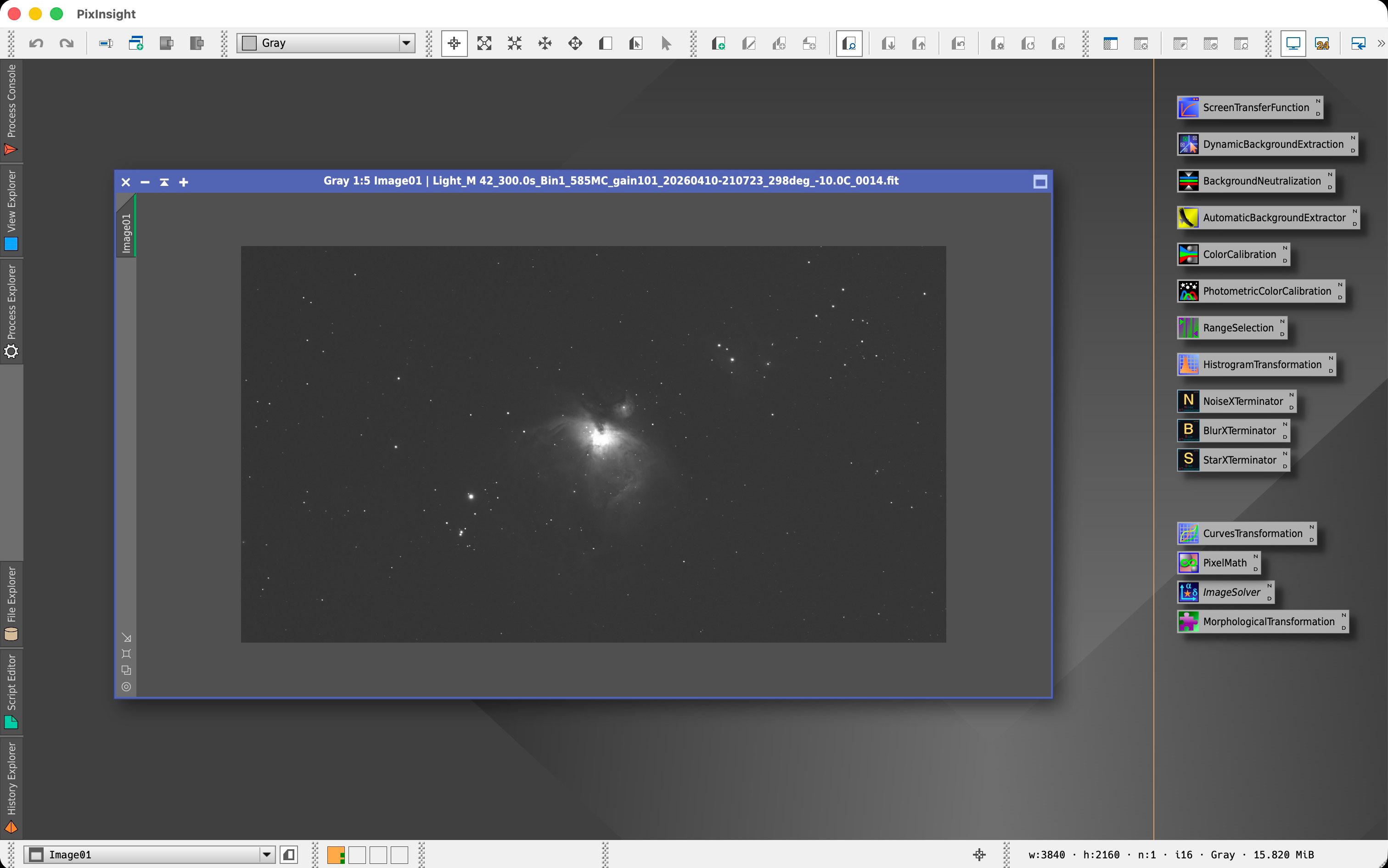
PixInsight
PixInsight has become the industry standard for deep-sky astrophotography processing.
Strengths
Advanced calibration and stacking
Powerful noise reduction tools
Sophisticated color calibration
Exceptional control over every step of processing
Popular tools include:
BlurXTerminator
NoiseXTerminator
StarXTerminator
Dynamic Background Extraction
PixInsight has a steeper learning curve than most alternatives, but many astrophotographers consider it the most powerful processing platform available.
Adobe Photoshop
Photoshop remains one of the most widely used tools in astrophotography.
Strengths
Intuitive interface
Excellent layer-based editing
Powerful masking capabilities
Flexible finishing and artistic adjustments
Many imagers use Photoshop alongside PixInsight, combining the strengths of both applications.
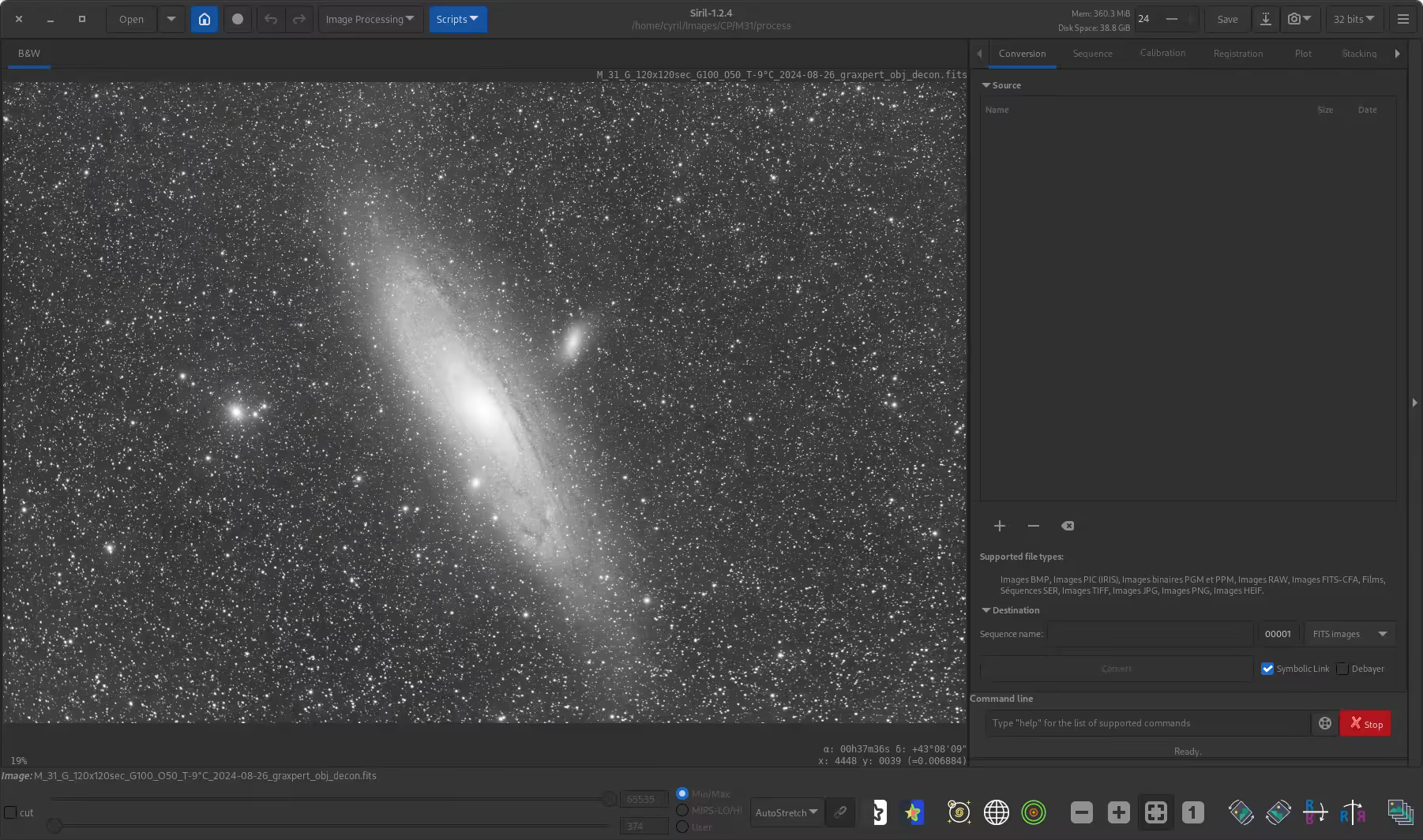
Siril
Siril has become increasingly popular among astrophotographers looking for a free and capable solution.
Strengths
Free and open source
Calibration and stacking
Background extraction
Color calibration
Growing feature set
For beginners, Siril offers an impressive entry point into serious astrophotography processing without additional cost.
DeepSkyStacker
For many years, DeepSkyStacker was the starting point for countless astrophotographers.
Strengths
Free
Easy stacking workflow
Beginner-friendly interface
While more advanced software has emerged, DeepSkyStacker remains a reliable tool for combining multiple exposures into a single master image.
GraXpert
GraXpert has quickly become a favorite utility among astrophotographers.
Strengths
AI-powered gradient removal
Background extraction
Simple workflow
Excellent results with light pollution and uneven backgrounds
Many imagers now include GraXpert as a standard step in their processing pipeline.
Planetary Imaging Software
Planetary astrophotography uses a completely different workflow.
Popular applications include:
AutoStakkert!
RegiStax
WinJUPOS
These tools process thousands of video frames to produce highly detailed images of Jupiter, Saturn, Mars, and the Moon.
Building a Modern Workflow
A common deep-sky workflow today might look like this:
Calibration and stacking in PixInsight or Siril
Gradient removal with GraXpert or PixInsight
Noise reduction using NoiseXTerminator
Sharpening with BlurXTerminator
Star separation with StarXTerminator
Final color and contrast adjustments in PixInsight or Photoshop
The Most Important Tool
While software plays a critical role, no application can fully compensate for poor data. Dark skies, accurate tracking, good focus, and sufficient integration time remain the foundation of every great astrophotograph.
The best processing software doesn't create details that aren't there. It simply helps reveal the incredible information that your telescope and camera have already captured from the depths of space.